
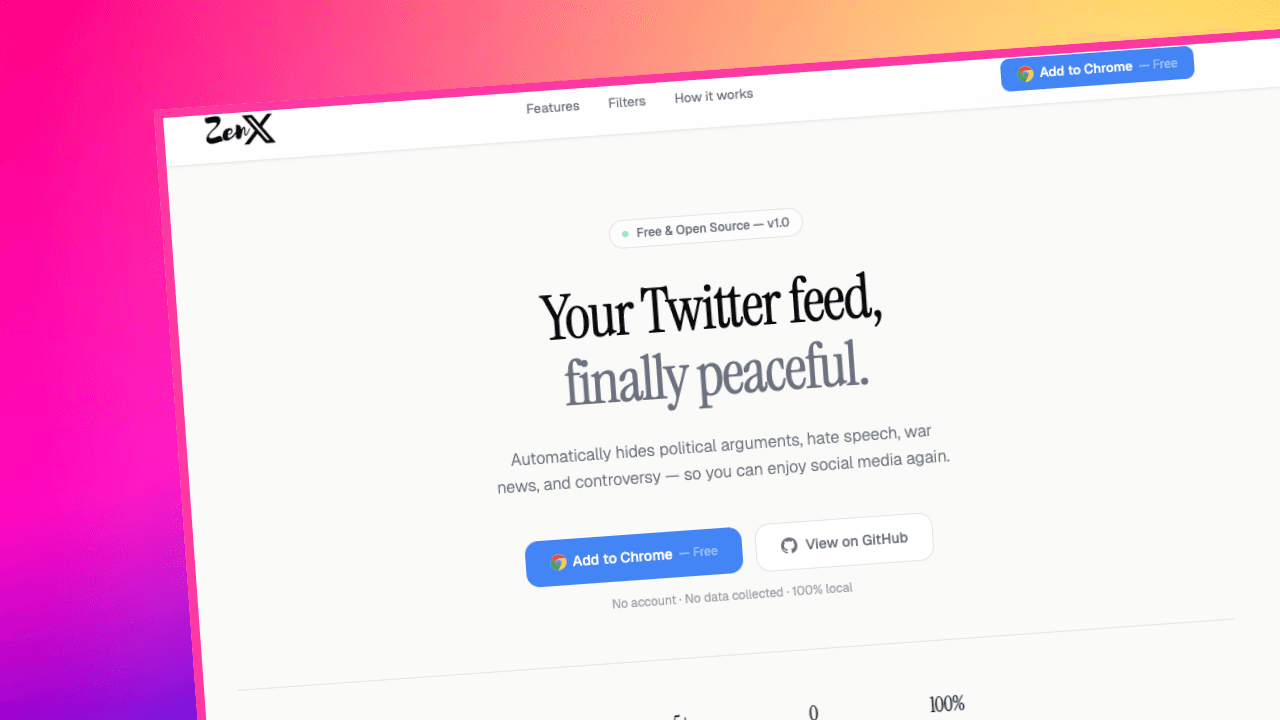
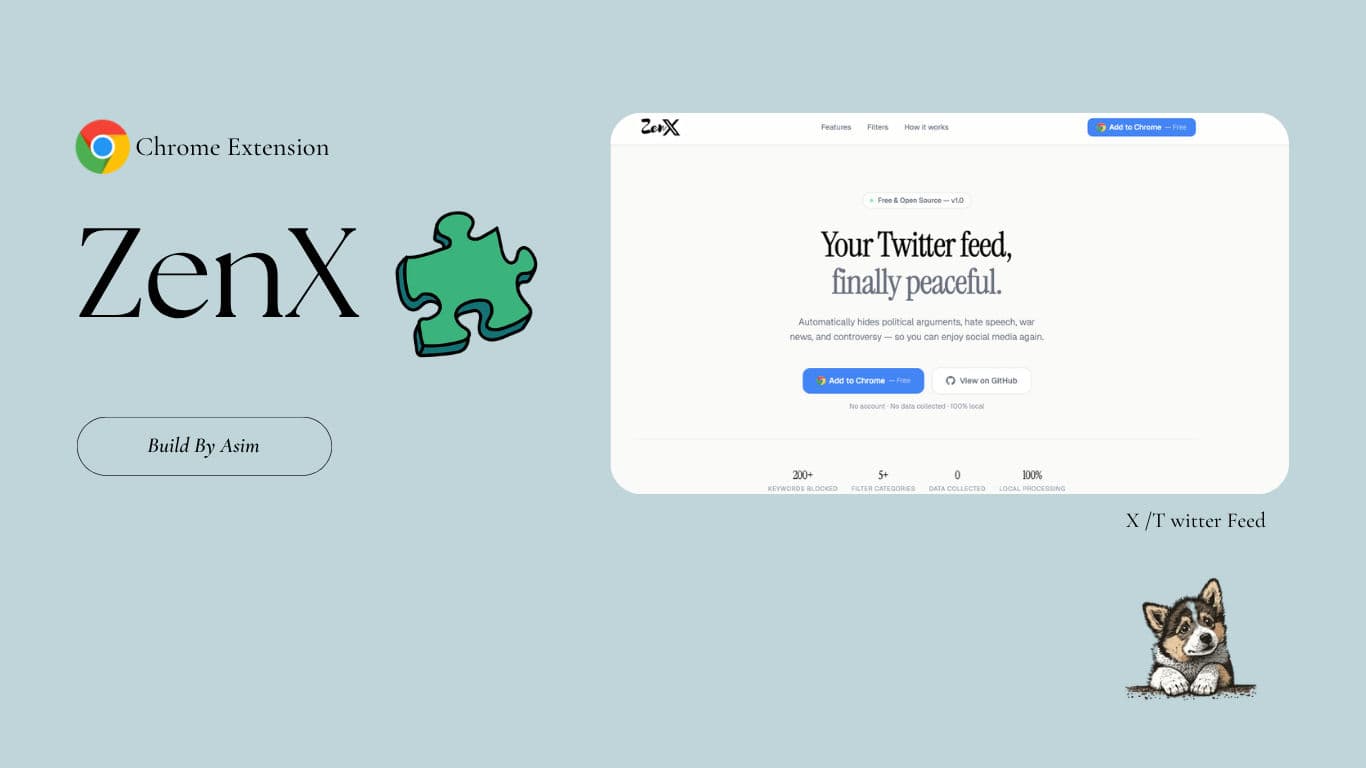
ZenX
A free, open-source browser extension that silently filters political, toxic, and controversial tweets from your X (Twitter) feed — launched on Product Hunt with 72+ upvotes.
Timeline
2 Months
Role
Full Stack
Team
Solo
Status
CompletedTechnology Stack
Key Challenges
- Real-time DOM Filtering
- Cross-theme UI Support
- Keyword Scoring Engine
Key Learnings
- Browser Extension APIs
- MutationObserver
- Content Scripts
Overview
A free, open-source browser extension that silently removes toxic, political, and controversial tweets from your X (Twitter) feed. Stop drowning in noise — ZenX quietly filters it out so you can enjoy a calmer, more intentional social media experience.
ZenX launched on Product Hunt and picked up 72+ upvotes from the community.
About
ZenX is a lightweight browser extension built with TypeScript and the WXT framework. It runs entirely in your browser — no servers, no accounts, no data collection. Every filtering decision happens locally, in real time, as your feed loads.
The project was born out of frustration with Twitter's overwhelming feed — politics, hate speech, war news, and controversy every time you scroll. ZenX quietly handles it all so you don't have to.
The extension solves this by providing:
- Silent Filtering - Tweets are hidden behind a shield overlay without disrupting your scroll
- 5 Built-in Categories - 200+ keywords covering politics, hate speech, religion, war, and controversy
- Custom Keywords - Add your own words or phrases on top of the built-in library
- Zero Data Collection - 100% local processing, nothing ever leaves your device
Tech Stack
Extension Framework
-
WXT - Modern browser extension framework with hot reload support
-
TypeScript - Type-safe development across the entire codebase (88.7% of the repo)
-
Bun - Fast JavaScript runtime and package manager
Core Mechanics
-
MutationObserver - Watches the feed in real time as new tweets load
-
Regex Matching - Scores each tweet against active keyword categories
-
Chrome Storage Sync - Settings sync across devices via Chrome Sync API
-
Local Storage - Live stats tracking without any server dependency
Features
Content Filters
-
Political Filter — Removes tweets about elections, politicians, and political movements (38+ keywords)
-
Hate Speech Filter — Blocks racist, bigoted, and discriminatory content (11+ keywords)
-
Religious Debate Filter — Filters out religious arguments and extremism (16+ keywords)
-
War & Conflict Filter — Hides tweets about ongoing wars and military strikes (70+ keywords)
-
Controversial Topics Filter — Removes abortion, gun control, cancel culture, and more (24+ keywords)
-
Custom Keywords — Add any word or phrase to block exactly what you want
User Experience
-
Live Stats — See how many tweets were filtered vs. allowed in real time
-
Onboarding Wizard — Clean first-run setup to pick your filters and get started in seconds
-
Real-time Sync — Settings sync across devices via Chrome Sync
Privacy
-
100% Local — All filtering runs in your browser; no data is ever sent to a server
-
No Account Required — Install and use without signing up for anything
-
No Data Collected — Zero telemetry, zero tracking
Performance
-
Instant Filtering — Tweets are analyzed the moment they load with zero API calls
-
Lightweight — Minimal footprint with no heavy dependencies
-
Hot Reload Dev — WXT-powered development with instant changes on save
How It Works
ZenX runs a lightweight content script on x.com that:
- Watches your feed in real time using a
MutationObserver - Extracts tweet text, quoted tweets, and embedded card content
- Scores each tweet against your active keyword categories using regex matching
- Hides matched tweets behind a shield overlay with the filter reason shown
- Logs stats to local storage and updates the live counter badge
What I Learned
Technical Skills
-
Browser Extension Architecture - Built a complete Manifest V3 extension from scratch using the WXT framework, managing content scripts, background workers, and popup UI
-
Real-time DOM Manipulation - Implemented a
MutationObserver-based pipeline to intercept and filter dynamically loaded tweets without affecting page performance -
Cross-browser Compatibility - Handled differences between Chrome (MV3) and Firefox (MV2) build targets within a single codebase
-
Chrome Storage APIs - Used
chrome.storage.syncfor cross-device settings andlocalStoragefor session-level stats
Architecture Patterns
-
Content Script Isolation - Kept filtering logic sandboxed from the page's own JavaScript context
-
Keyword Scoring Engine - Designed a flexible regex-based scoring system that supports per-category toggles and user-defined custom keywords
-
Theme-Aware UI - Built the popup and overlay components to respond dynamically to X's light, dark, and dim themes
Development Practices
-
WXT Framework - Leveraged WXT's hot reload, entrypoints system, and multi-browser build pipeline to speed up development
-
Type-Driven Development - Used TypeScript throughout for safer DOM manipulation and storage access
-
User-First Design - Prioritized a zero-friction experience: no accounts, no config required, up and running in under 30 seconds
Installation
ZenX is not yet listed on the Chrome Web Store. You can install it in two ways.
Method 1 — Download from GitHub Releases (Recommended)
No Git, no terminal, no build tools required.
- Download the zip from the latest release — grab
zenx-1.0.0.zip - Unzip it anywhere on your computer (Desktop or Downloads folder works great)
- Open
chrome://extensionsin your browser - Enable Developer Mode using the toggle in the top-right corner
- Click "Load unpacked" and select the unzipped folder
- Pin ZenX to your toolbar via the puzzle piece icon (🧩) → pin icon (📌)
Done — visit x.com and ZenX is active.
Method 2 — Build from Source
# Clone the repository
git clone https://github.com/asimar007/ZenX.git
cd ZenX

# Install dependencies
bun install

# Build the extension
bun run build
Then follow Steps 3–6 from Method 1, selecting the .output/chrome-mv3/ folder.
Firefox Installation
bun run build:firefox- Go to
about:debugging#/runtime/this-firefox - Click "Load Temporary Add-on..."
- Navigate into
.output/firefox-mv2/and select any file (e.g.manifest.json)
Note: Temporary add-ons in Firefox are removed on browser restart until ZenX is published on Firefox Add-ons.
Updating ZenX
Via zip — Download the latest release zip, replace the old folder contents, then click the refresh icon (🔄) on the ZenX card at chrome://extensions.
Via source:
cd ZenX
git pull origin main
bun install
bun run build
Then refresh the ZenX card at chrome://extensions.
Uninstalling
Chrome — Go to chrome://extensions, find ZenX, and click "Remove".
Firefox — Go to about:addons, find ZenX under Extensions, and click the three-dot menu → Remove.
Usage
- Complete Onboarding - Click the ZenX icon and use the wizard to pick your filter categories
- Visit X.com - Scroll your feed; filtered tweets collapse silently with a shield overlay
- Customize - Add your own keywords or toggle categories on and off at any time
- Peek Anytime - Click "Reveal" on any hidden tweet to read it without permanently unblocking it
- Track Stats - See live counts of filtered vs. allowed tweets in the popup; click reset to start fresh