
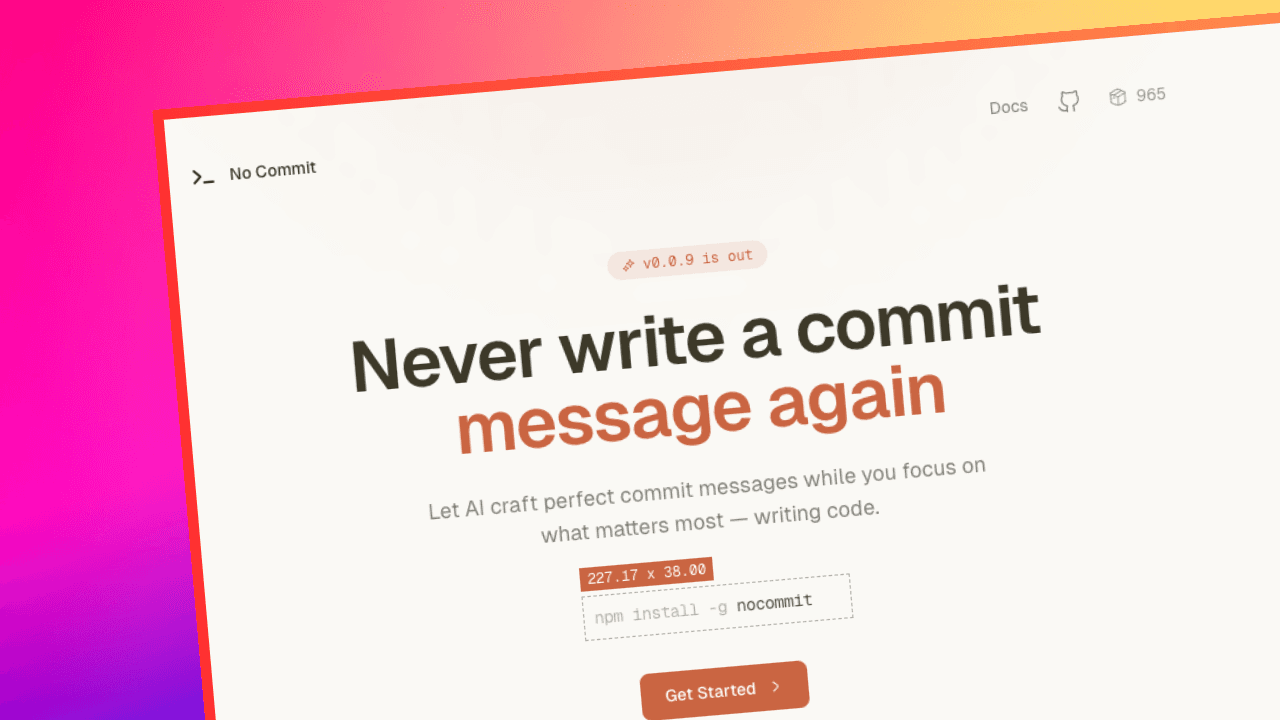
No Commit
A CLI tool that writes your git commit messages for you using Google Gemini. Just run nocommit and get clean, conventional commits without thinking about it. 50,000+ npm downloads.
Timeline
2 Weeks
Role
Developer
Team
Solo
Status
CompletedTechnology Stack
Key Challenges
- Smart Diff Extraction
- Token-Efficient Prompt Design
- Interactive CLI UX
Key Learnings
- AI API Integration
- CLI Tool Development
- npm Package Publishing
Overview
A CLI tool that reads your staged git changes, sends them to Google Gemini, and returns a clean conventional commit message. You review it, tweak it if needed, commit, and move on. Now at 50,000+ npm downloads from the developer community.
About
I got tired of typing "fix stuff" as a commit message, so I built a tool that does it properly. No Commit is an npm package that reads your staged changes, sends them to Google Gemini, and generates a clean conventional commit message.
Install globally using npm:
npm install -g nocommitFeatures
AI That Understands Your Changes
- Gemini reads your actual code diffs, not just file names
- Follows conventional commit format out of the box
- Generates up to 5 suggestions to choose from
Stays Out of Your Way
- One command:
nocommit - Use
-ato auto-stage tracked files,-yto skip the confirmation prompt - Works with your existing git setup, no extra configuration
Smart API Usage
- Looks at up to 5 files and 30 changed lines per file
- Keeps the total diff under 4000 characters to control token usage
- Ignores
package-lock.json,node_modules, build outputs, and other noise
Clean Terminal Experience
- After generating, you get a menu: Commit, Edit, Regenerate, or Cancel
- Edit the message inline before committing
- Configurable model, message length, timeout, and number of suggestions
How It Works
- Diff — Grabs staged changes using
git diff --staged - Extract — Pulls important added/removed lines and trims noise
- Generate — Sends trimmed diff to Gemini and receives suggestions
- Choose — Pick one, edit if needed, commit. Or regenerate. Or cancel.
What I Learned
-
Prompt design matters
Getting consistent, high-quality commit messages required multiple iterations. Small prompt adjustments significantly affected output quality. -
Git diff parsing is messy
Extracting meaningful changes while staying within token limits was the most challenging part. -
Publishing an npm package end-to-end
Versioning, packaging, and setting up a Homebrew tap required more attention than expected. -
CLI UX needs careful thinking
Spinner timing, menu flow, edge cases (no staged files, API timeouts, empty diffs) — these details shape the overall experience. -
Dogfooding is powerful
Usingnocommitduring its own development exposed edge cases and improved reliability.