
CompletedTypeScriptAWS S3AWS SQS+4 more
Pixel Flow
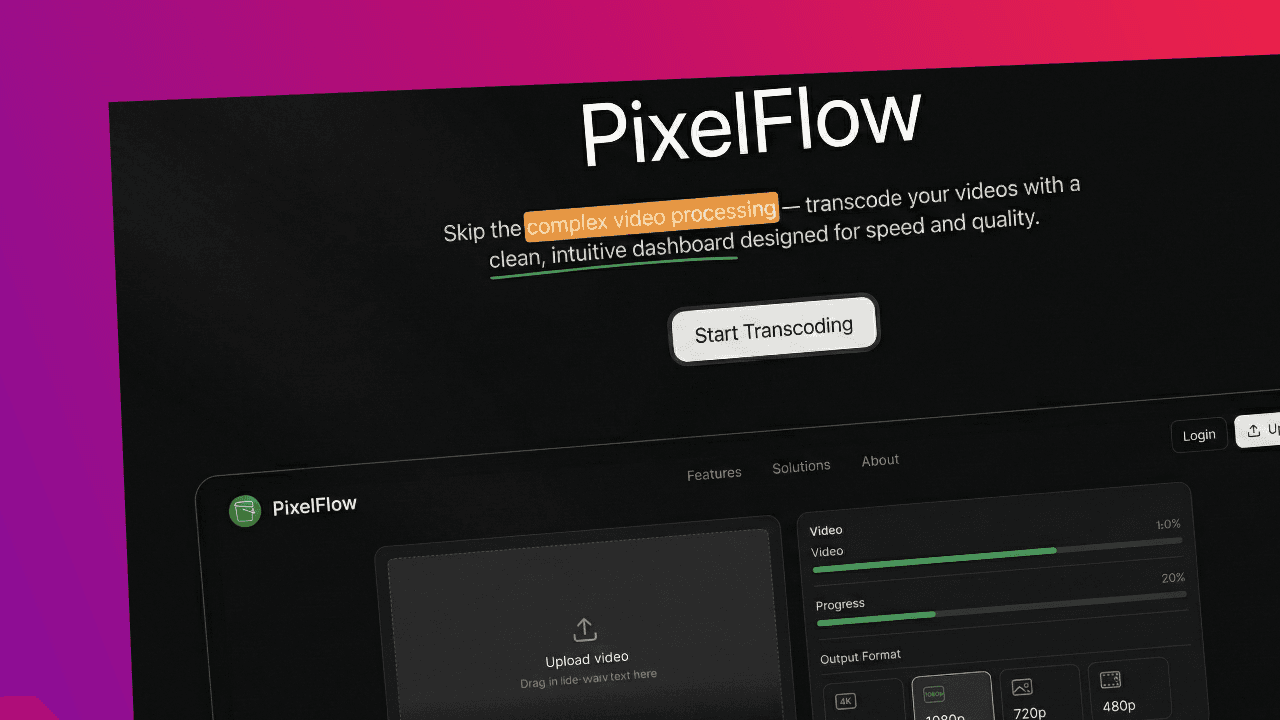
PixelFlow is a cloud-based video transcoding service inspired by MUX. It converts high-quality videos into multiple resolutions for smooth streaming on any device.
Timeline
1 Week
Role
Backend Development
Team
Solo
Status
CompletedTechnology Stack
TypeScript
AWS S3
AWS SQS
Node.js
FFmpeg
Docker
AWS EKS
Key Challenges
- Video Transcoding
- Queue Orchestration
- Container Scaling
- S3 Integration
- Parallel Processing
Key Learnings
- FFmpeg Workflows
- ECS Scaling
- SQS Messaging
- Serverless Pipelines
- Cloud Automation
PixelFlow
PixelFlow is a cloud-based, scalable video transcoding service inspired by MUX. It enables users to upload high-quality videos, which are then processed into multiple resolutions for optimized streaming, ensuring compatibility across various devices and network conditions.
Diagram

- Video Upload: Users upload 4K videos (e.g., 100MB) to an S3 bucket (
temp-s3). - Message Queue: An SQS message is triggered upon video upload, which the Node.js service polls to start processing.
- Validation: The Node.js service validates incoming video files to ensure they are in the correct format.
- Transcoding: A Docker container running FFmpeg downloads the video from
temp-s3, transcodes it into multiple resolutions, and uploads the output to a production S3 bucket (Production-S3). - Storage: Videos are stored in
Production-S3in various formats (360p, 480p, 720p) to support adaptive bitrate streaming.
Tech Stack
- Node.js: Backend logic, SQS polling, validation, and transcoding orchestration.
- TypeScript: Strongly-typed code for better maintainability and readability.
- Docker: Isolated, scalable environment for running FFmpeg, deployed with ECS and ECR.
- FFmpeg: Video transcoding engine for converting videos into multiple resolutions.
- AWS Services:
- S3: For temporary and production video storage.
- SQS: Queue for processing new uploads.
- ECS: Orchestrates Docker containers for transcoding.
- ECR: Stores Docker images for ECS tasks.
- AWS Lambda: Manages automation tasks in a serverless fashion.
Features
- Scalable Transcoding: Processes videos in parallel using a containerized approach to handle large volumes efficiently.
- Adaptive Bitrate Streaming (ABR): Generates multiple resolutions to enable adaptive bitrate streaming, allowing viewers to experience the best video quality based on their network speed and device capabilities.
- Multi-Resolution Output: Outputs videos in multiple resolutions (360p, 480p, 720p) for adaptive streaming support.
- Cost-Effective Architecture: Uses serverless resources like AWS Lambda to optimize costs.
- Automated Workflow: Uses AWS S3, SQS, and ECS to orchestrate a seamless video processing pipeline.
What I Learned
- Serverless Architecture: Leveraging AWS Lambda for scalable, cost-effective processing.
- AWS Services: Deepened understanding of using AWS S3 for storage, SQS for queuing, and ECS for container orchestration.
- FFmpeg: Learned to use FFmpeg for adaptive bitrate transcoding, converting videos into multiple resolutions.
- Containerization: Used Docker to create isolated environments for transcoding tasks, ensuring consistent builds.
- TypeScript: Reinforced best practices with TypeScript for reliable, type-safe code in a Node.js environment.
Uses
- Video Streaming Platforms: Ideal for services needing adaptive bitrate streaming to serve users with different bandwidths and device capabilities.
- E-Learning: Enables high-quality video delivery at various resolutions, enhancing accessibility for students with diverse internet connections.
- Media & Entertainment: Perfect for content delivery networks (CDNs) requiring scalable, multi-resolution video processing for efficient streaming.
Acknowledgments
- MUX for the inspiration behind this project.
- AWS Documentation for guidance on using AWS services.
- FFmpeg Documentation for video processing resources.