
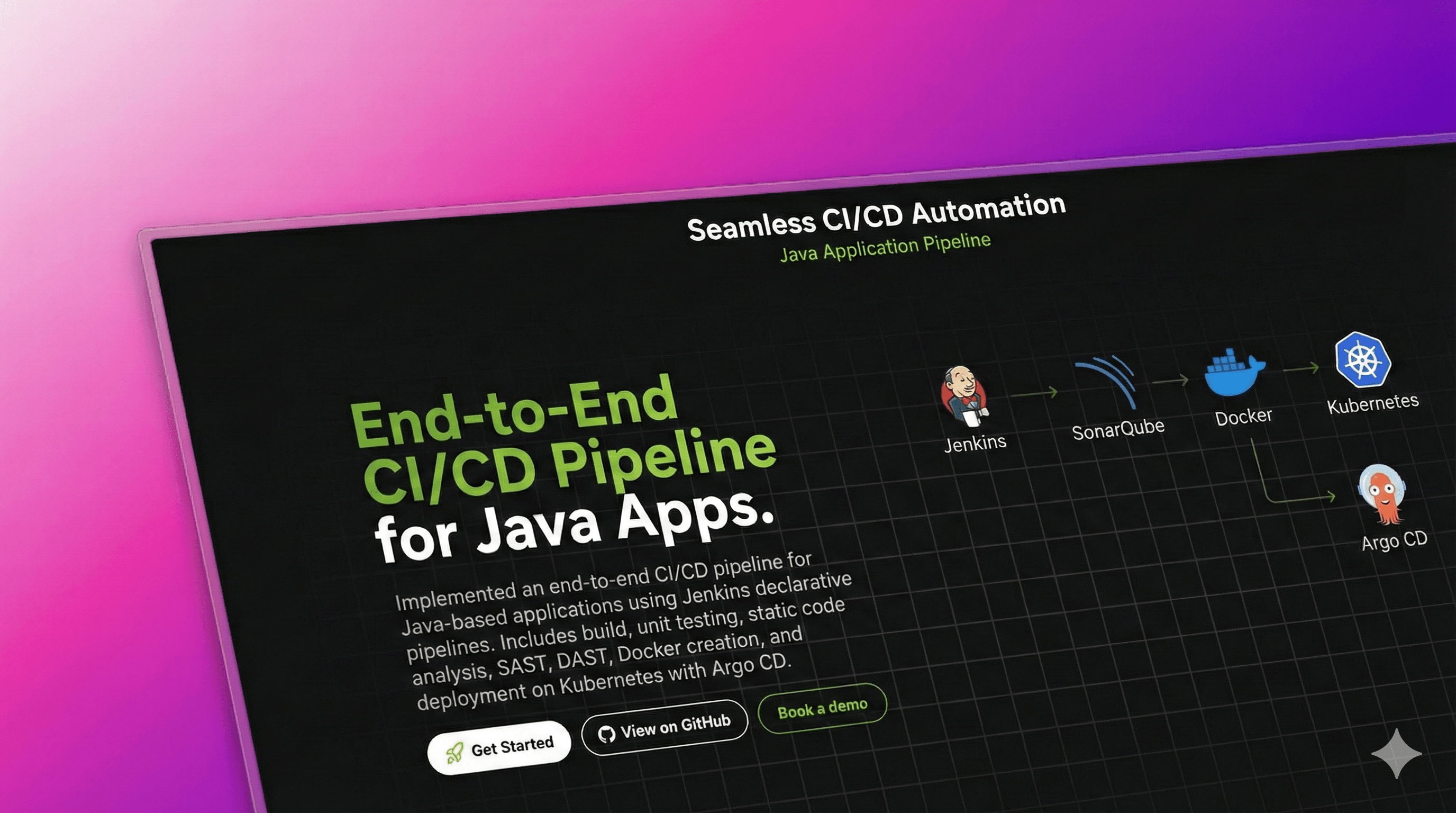
Seamless CI/CD Automation
It’s a CI/CD pipeline that automates build, testing, security checks, and deployment, ensuring smooth delivery from code to production.
Timeline
3 Days
Role
DevOps
Team
Solo
Status
CompletedTechnology Stack
Key Challenges
- Pipeline Orchestration
- Tool Integration
- Cluster Deployment
- Quality Enforcement
- Version Control
Key Learnings
- CI/CD Automation
- Kubernetes Deployments
- Helm Packaging
- ArgoCD Sync
- Testing Pipelines
Java Application CI/CD Pipeline with Jenkins, SonarQube, Helm, Kubernetes, and Argo CD
Project Overview
Implemented an end-to-end CI/CD pipeline for Java-based applications using Jenkins declarative pipelines. As part of the pipeline, I have implemented various stages such as build, unit testing, static code analysis, SAST, DAST, creation of Docker images, and deployment on the Kubernetes platform using Argo CD.
 Here are the step-by-step details to set up an end-to-end Jenkins pipeline for a Java application using SonarQube, Argo CD, Helm, and Kubernetes:
Prerequisites
Before setting up the pipeline, ensure you have the following tools and configurations in place:
- Java Application Code: Hosted on a Git repository.
- Jenkins Server: Installed and accessible.
- Kubernetes Cluster: Configured and accessible.
- Helm Package Manager: Installed.
- Argo CD: Installed on the Kubernetes cluster.
Jenkins Plugins
Ensure the following Jenkins plugins are installed:
- Git plugin
- Maven Integration plugin
- Pipeline plugin
- Kubernetes Continuous Deploy plugin
Jenkins Pipeline
Creating a new Jenkins Pipeline
- In Jenkins, create a new pipeline job.
- Configure the job with the Git repository URL for the Java application.
- Add a Jenkinsfile to the Git repository to define the pipeline stages.
Pipeline Stages
The pipeline consists of the following stages:
-
Checkout Source Code:
- Use the Git plugin to check out the source code from the Git repository.
-
Build Java Application:
- Use the Maven Integration plugin to build the Java application.
-
Run Unit Tests:
- Use JUnit and Mockito plugins to run unit tests.
-
Code Quality Analysis:
- Use the SonarQube plugin to analyze code quality.
-
Package Application:
- Use the Maven Integration plugin to package the application into a JAR file.
-
Deploy to Test Environment:
- Use the Kubernetes Continuous Deploy plugin to deploy the application to a test environment using Helm.
-
Run User Acceptance Tests:
- Use a testing framework like Selenium to run user acceptance tests on the deployed application.
-
Promote to Production:
- Use Argo CD to promote the application to a production environment.
Argo CD Setup
- Install Argo CD on the Kubernetes cluster.
- Set up a Git repository for Argo CD to track changes in Helm charts and Kubernetes manifests.
- Create a Helm chart for the Java application with manifests and Helm values.
- Add the Helm chart to the Git repository tracked by Argo CD.
Jenkins Pipeline Integration with Argo CD
- Add the Argo CD API token to Jenkins credentials.
- Update the Jenkins pipeline to include the Argo CD deployment stage.
Running the Jenkins Pipeline
- Trigger the Jenkins pipeline to start the CI/CD process for the Java application.
- Monitor the pipeline stages and fix any issues that arise.